
In 2026, capturing attention online is more competitive than ever. Whether you’re a social media influencer, content creator, or digital marketer, standing out requires creativity — and one of the simplest ways to make your text eye-catching is by using a Small Text Generator.
A Small Text Generator allows you to instantly convert normal letters into stylish, tiny Unicode text that works across all platforms — from Instagram bios and Twitter handles to TikTok captions and blog headings. Unlike traditional font tools, these Unicode-based characters are copy-and-paste ready, fully compatible, and platform-independent, making them perfect for personal expression, branding, or increasing engagement.
In this guide, you’ll discover how Small Text Generators work, the top ways to use them, and why they’ve become an essential tool for anyone looking to stand out online in 2026.
What Is a Small Text Generator?
A Small Text Generator is an online tool that converts standard alphabet characters into visually smaller Unicode letters. Unlike images or font-based tools, these characters are real Unicode symbols, which can be copied and pasted anywhere online—social media, blogs, emails, or messaging apps.
Unlike traditional font tools that rely on CSS, a Unicode Small Text Generator works universally across all platforms—just like a CSS Button Generator—making it ideal for creative expression and branding in 2026.
Common Names for Small Text Generators
People search for these tools using a variety of terms:
- Small Text Generator
- Tiny Text Generator
- Unicode Small Text Converter
- Small Caps Text Generator
- Superscript / Subscript Text Generator
- Free Small Text Converter Online
All these names refer to the same concept: transforming normal text into stylish, smaller-looking Unicode text.
Why Small Text Generators Are So Popular in 2026
The popularity of Small Text Generator tools continues to rise in 2026 due to several key reasons:
1. Social Media Branding
Small text is widely used to create eye-catching bios, captions, and usernames. It helps users stand out in crowded feeds.
2. No Installation Required
These tools are completely online. No apps, plugins, or software downloads are needed.
3. Free & Instant
Most tools are free and generate results instantly, making them ideal for quick use.
4. Universal Compatibility
Unicode small text works across Android, iOS, Windows, macOS, and all modern browsers.
5. SEO & Content Formatting
Bloggers and content creators use small text for subtle emphasis, disclaimers, footnotes, or stylistic headings.
Benefits of Using a Small Text Generator
Using small text can enhance your content in multiple ways:
| Benefit | Explanation |
| Unique Appearance | Makes your text stand out with stylish, tiny fonts. |
| Free & Instant | No downloads, sign-ups, or hidden charges. |
| Safe & Secure | Modern tools use SSL encryption and do not store your data. |
| Cross-Platform Support | Works everywhere: social media, blogs, emails, websites. |
| Boost Engagement | Eye-catching text increases likes, clicks, and shares. |
How a Small Text Generator Works
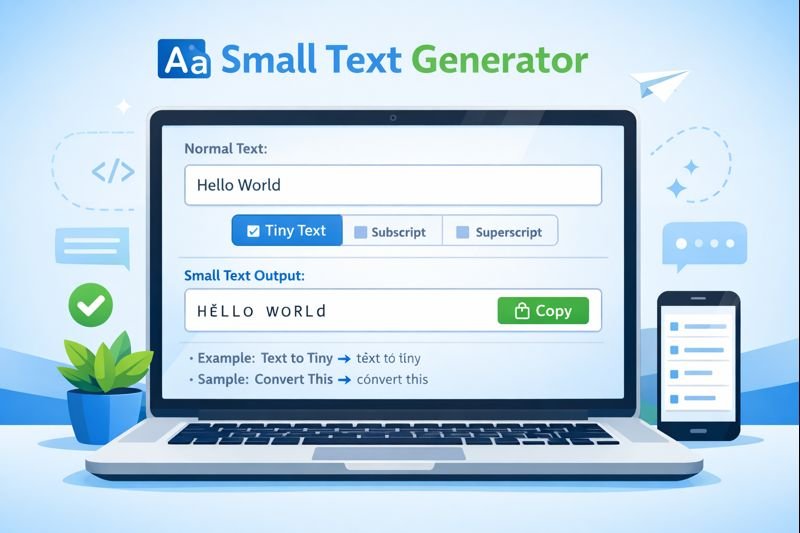
A small text generator works by mapping standard letters to Unicode equivalents.
Example:
Normal Text:
Hello World
Small Text Output:
ʜᴇʟʟᴏ ᴡᴏʀʟᴅ
These conversions do not change the meaning, only the visual appearance. Unlike images or CSS fonts, Unicode small text is universally readable across platforms.
Types of Small Text Generators
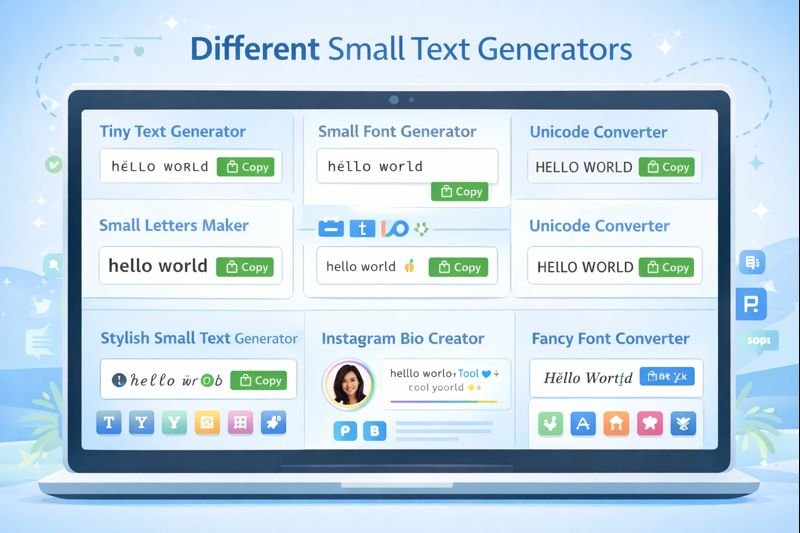
- Tiny Text Generator Online
Converts text into compact Unicode characters.
Use Cases: Instagram bios, Twitter profiles, stylish captions. - Small Font Generator Free
Free tools that generate small text variants.
Features: Copy & paste output, Unicode compatibility, works on all devices. - Unicode Small Text Converter
Produces consistent text across platforms using Unicode characters. - Small Letters Maker (Copy & Paste)
Simple tools for quick, multiple style conversions. - Stylish Small Text Generator
Offers decorative and tiny fonts, perfect for aesthetic content. - Small Text Creator for Instagram Bio
Optimized for character-limited social media bios. - Cool Small Text Generator Tool
Focuses on aesthetics and uniqueness, not just small size. - Fancy Small Font Converter
Combinesr size reduction with decorative styling.
Step-by-Step Guide: How to Use a Small Text Generator
- Open the Small Text Generator tool on your browser.
- Enter your text in the input box.
- Instantly, your text will convert into small Unicode letters.
- Click the “Copy” button.
- Paste it anywhere: social media bios, captions, comments, messages, or using a Small Caps Generator for stylish text.
Pro Tips:
- Use short phrases for better readability.
- Combine normal and small text for visual contrast.
- Test on different devices before posting publicly.
Who Uses Small Text Generators?
- Bloggers & Content Writers: Styling disclaimers, notes, and creative sections.
- Social Media Influencers: Designing unique bios, captions, and usernames.
- Digital Marketers: Branding, ad creatives, and engagement-focused text.
- Students & Casual Users: Fun, creativity, and personalization.
Small Text Generator for Social Media
| Platform | Best Uses |
| Bios, highlights, captions | |
| Twitter (X) | Display names, short captions |
| Posts, comments, profile descriptions | |
| WhatsApp / Telegram | Status messages, usernames |
| TikTok | Creative bios, comments |
Small text makes your content visually unique, improving engagement on all platforms.
SEO & Engagement Benefits
While small text does not directly affect SEO, it provides several indirect benefits:
- Increases user engagement
- Reduces bounce rate
- Enhances readability and aesthetics
- Tool-based pages often rank well for utility-driven queries because users spend more time interacting with the tool.
Best Practices for Using Small Text
- Use small text sparingly to avoid readability issues.
- Combine normal and small text for contrast.
- Avoid using for main body paragraphs or professional documentation.
- Avoid using in main text or for content checked by a Plagiarism Checker.
- Always test for compatibility across devices.
Comparison: Small Text Generator vs Other Tools
| Feature | Small Text Generator | Lowercase Converter | Text Case Converter |
| Function | Unicode small letters | Converts to lowercase | Changes capitalization |
| Use Case | Styling headings, bios | Formatting | Editing & writing |
| Copy & Paste | ✅ Yes | ✅ Yes | ✅ Yes |
| Platform Support | Universal | Universal | Universal |
| Ad-Free Options | ✅ Many | ✅ Many | ✅ Many |
Technical Insights: Unicode-Based Small Text
Small text generators rely on Unicode normalization and character substitution, not traditional font resizing. Unicode provides:
- Superscripts / Subscripts
- Phonetic Extensions
- Mathematical Alphanumeric Symbols
Example Unicode Mapping:
- A → ᴀ
- B → ʙ
- C → ᴄ
This ensures text remains readable, copy-paste friendly, and platform-independent.
Limitations to Keep in Mind
- Some Unicode characters may not render identically on older devices
- Screen readers may read tiny text incorrectly
- Search engines may treat tiny text as separate characters
Accessibility Tip: Always provide standard text alongside stylized text.
Popular Use Cases (Expanded)
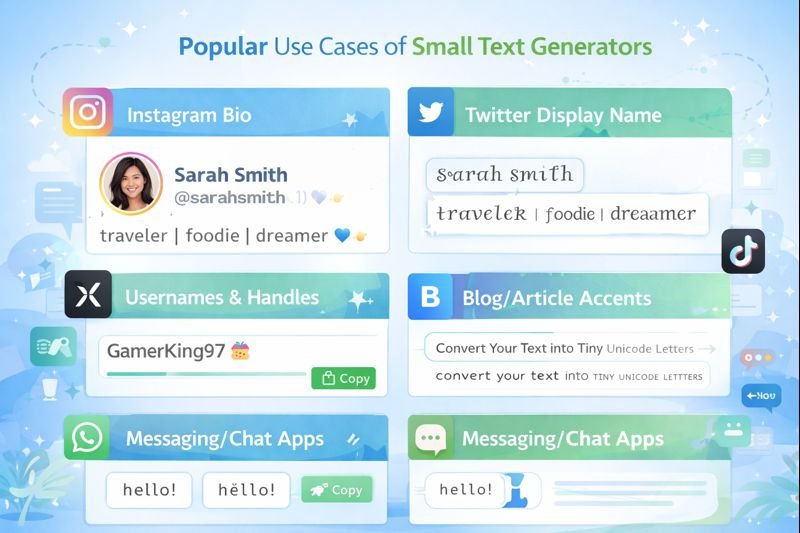
- Instagram Bio:
traveler | foodie | dreamer → ᴛʀᴀᴠᴇʟᴇʀ | ғᴏᴏᴅɪᴇ | ᴅʀᴇᴀᴍᴇʀ - Twitter Display Name:
Shrink long names, add symbols, and remain within character limits. - Usernames & Handles:
Unique handles even when standard ASCII names are taken. - Blog & Article Accents:
Highlight footnotes, disclaimers, or stylistic headings without cluttering the main text. - Messaging & Chat Apps:
Send creative and eye-catching messages on WhatsApp, Telegram, or Messenger.
Recommended Usage Ratio
- 80–90% normal text
- 10–20% stylized small text
Avoid using in legal, medical, or instructional content to ensure clarity.
Advanced Tips for 2026
- Combiner small text with emojis for more visual impact.
- Use in short-form captions for TikTok or Instagram Reels.
- Test different small text styles to see which works best for your audience.
- Use in branding materials: banners, headings, and thumbnails.
Why Use This Small Text Generator in 2026?
100% Free, Safe & Ad-Free
Works across all devices and platforms
Supports multiple font styles
Instant copy & paste results
Enhances social media presence and branding
Improves content aesthetics and engagement
Try it today: Transform your text into stylish, unique small letters and make your social media profiles, captions, and posts stand out instantly!
Conclusion
A Small Text Generator is more than just a fun tool — it’s a powerful way to enhance your online presence. From creating unique social media bios and captivating captions to designing distinctive usernames, small text helps you grab attention, express creativity, and boost engagement instantly.
The best part? The top Small Text Generators in 2026 are 100% free, safe, ad-free, and compatible across all platforms. With just a few clicks in this online text editor, you can transform ordinary text into stylish, copy-paste-ready Unicode characters that make your content stand out.
Don’t wait — try our Small Text Generator today and give your social media profiles, captions, and posts a fresh, unique look that gets noticed!
FAQs
What is a Small Text Generator?
A Small Text Generator is an online tool that converts normal alphabet letters into visually smaller Unicode characters, making text appear unique and stylish across social media, blogs, or messaging apps.
Is it safe to use online Small Text Generators?
Yes! The best tools are 100% safe, ad-free, and SSL encrypted. They do not store your data, making them secure for personal and professional use.
Can I use small text on all platforms?
Most Unicode-based small text works on Instagram, Twitter, Facebook, TikTok, WhatsApp, and Telegram, as well as websites and blogs. However, older devices may sometimes display characters differently.
Does small text affect SEO?
Small text itself does not directly improve search rankings. However, it can increase engagement, reduce bounce rates, and improve content readability, indirectly benefiting SEO.
Can I use Small Text Generators for professional content?
Use them sparingly. Small text is ideal for headings, bios, captions, or creative accents. Avoid using it in legal documents, instructions, or accessibility-critical content.
How do I copy and paste small text?
Simply type your text in the generator, select the style, click “Copy,” and paste it anywhere online — social media, emails, blogs, or messaging apps.
What are some popular uses for Small Text Generators?
- Instagram and TikTok bios
- Twitter display names
- Stylish comments and captions
- Unique usernames for social media or gaming
- Blog headings or decorative text sections