
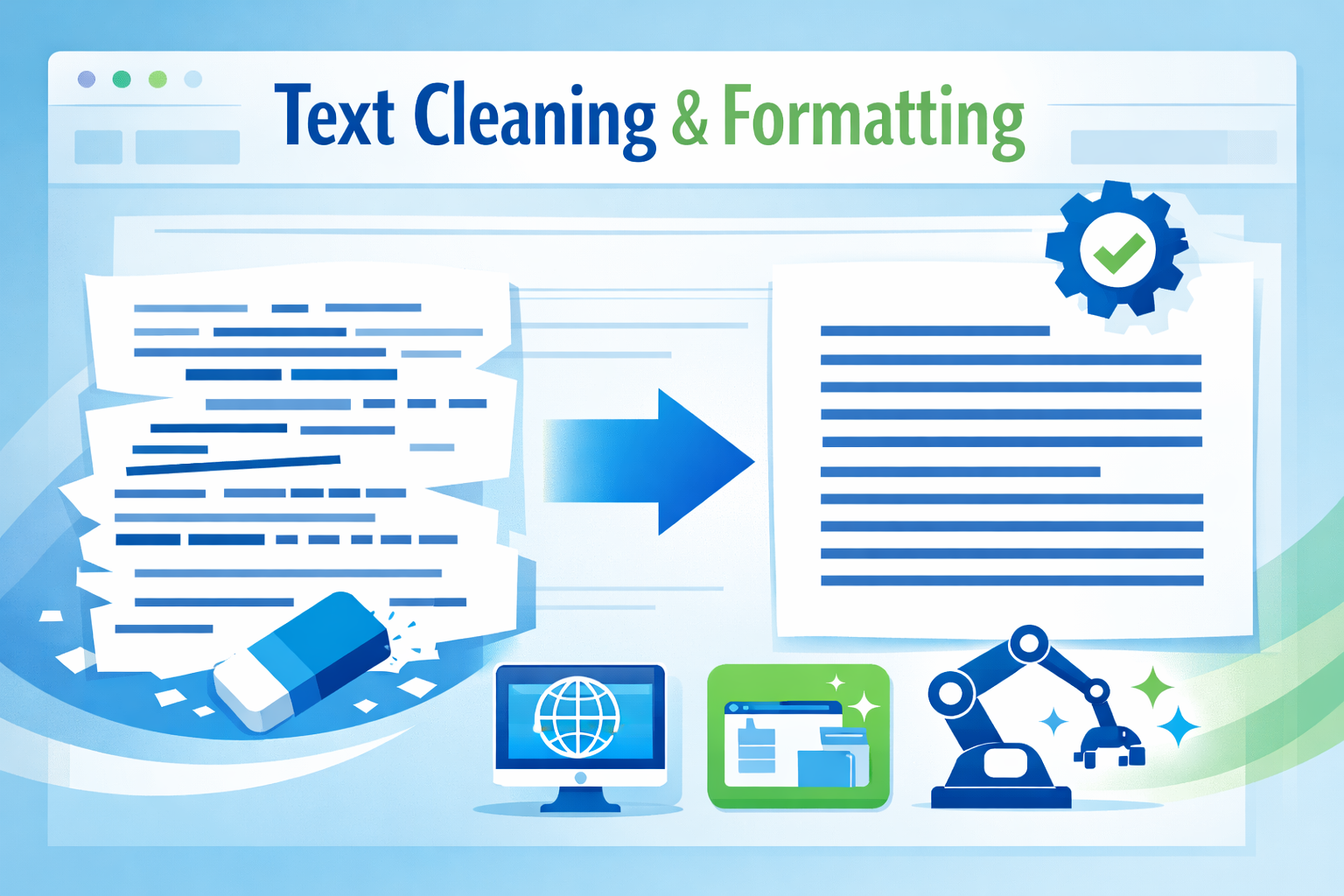
Messy text formatting can silently damage readability, user experience, and even search engine performance. Extra spaces, inconsistent spacing, tabs, and unnecessary line breaks may seem harmless, but they often create problems in content publishing, coding, data processing, and SEO.
A Multiple Whitespace Remover is a simple yet powerful solution designed to clean text efficiently. Whether you’re a writer, developer, SEO expert, student, or data analyst, using an online whitespace removal tool helps you produce clean, consistent, and professional text in seconds.
This comprehensive guide explains what whitespace is, why removing extra spaces matters, how whitespace remover tools work, and how to use them effectively for SEO, development, and everyday writing.
What Is Whitespace in Text?
Whitespace refers to any character that creates space or separation in text but does not display as a visible symbol. Common whitespace characters include:
- Spaces
- Multiple spaces
- Tabs
- Line breaks
- New lines
- Carriage returns
While whitespace is essential for readability, excessive or inconsistent whitespace can cause formatting errors and technical issues.
What Is a Multiple Whitespace Remover?
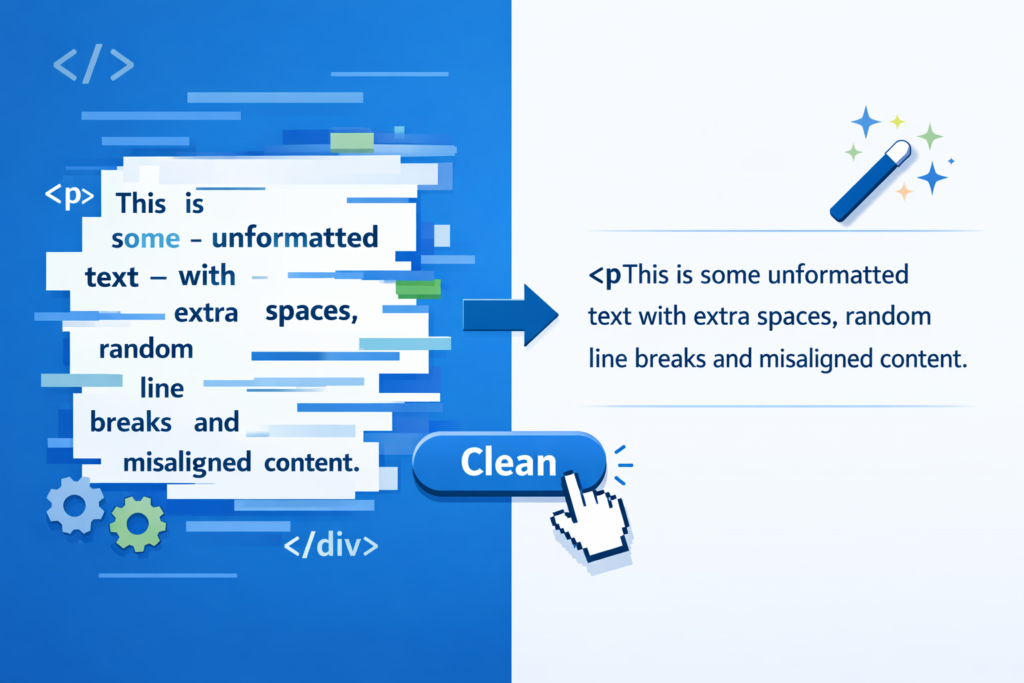
A Multiple Whitespace Remover is a text-cleaning tool that automatically detects and removes unnecessary whitespace from text. It replaces:
- Multiple consecutive spaces with a single space
- Leading and trailing spaces
- Tabs and invisible characters
- Excessive line breaks (optional)
The result is clean, readable, and standardized text suitable for publishing, coding, or data processing.
Why Removing Extra Spaces Is Important
Removing extra spaces is not just about aesthetics. It directly impacts usability, performance, and SEO.
1. Improves Readability
Text with irregular spacing looks unprofessional and is harder to read. Clean spacing ensures smooth reading flow.
2. Enhances SEO Performance
Search engines prefer well-structured content. Extra spaces can:
- Break schema markup
- Affect HTML rendering
- Reduce content clarity for AI search models
Using a Whitespace Removal Tool helps maintain SEO-friendly formatting.
3. Prevents Coding Errors
In programming, extra spaces can:
- Break scripts
- Cause parsing errors
- Affect indentation-sensitive languages
A Remove Multiple Spaces Tool is essential for developers.
4. Cleans Data Efficiently
CSV files, spreadsheets, databases,CSV PDFs, and Word documents often contain hidden spaces that can cause sorting, filtering, or formatting errors, making text cleaning essential before analysis or publishing
5. Saves Time
Manual cleaning is slow and error-prone. An Online Whitespace Cleaner works instantly.
Who Should Use a Whitespace Removal Tool?

A Text Space Cleaner is useful across many fields:
- SEO professionals – optimize content formatting
- Content writers & bloggers – clean articles before publishing
- Web developers – sanitize code and HTML
- Students & researchers – format assignments
- Data analysts – clean datasets
- Digital marketers – prepare ad copy and landing pages
Types of Whitespace Problems This Tool Fixes
A modern Extra Space Remover handles multiple formatting issues:
- Multiple spaces between words
- Spaces before punctuation
- Trailing spaces at line ends
- Leading spaces at paragraph starts
- Tabs copied from documents
- Excessive blank lines
How a Multiple Whitespace Remover Works
Most Remove Extra Spaces Online tools follow a simple process:
- User pastes text into the input field
- Tool scans for whitespace patterns
- Extra spaces and characters are removed
- Cleaned text is displayed instantly
Advanced tools also allow customization, such as preserving line breaks or removing all formatting.
Key Features of a High-Quality Online Whitespace Cleaner
When choosing a Whitespace Removal Tool, look for these features:
- Instant processing
- No character or word limits
- Mobile and desktop compatibility
- No registration required
- Secure, browser-based processing
- Support for large text blocks
Benefits of Using an Online Whitespace Cleaner
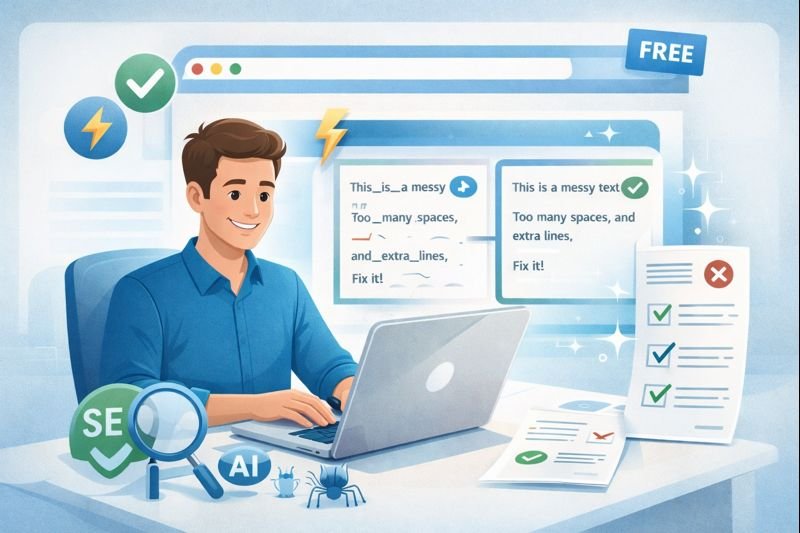
Fast and Accurate
Automated cleaning ensures consistency with zero effort.
Browser-Based Convenience
No downloads or installations required.
SEO-Friendly Formatting
Clean text improves crawlability and AI understanding.
Error Reduction
Eliminates human formatting mistakes.
Free and Accessible
Most tools are free to use.
Multiple Whitespace Remover vs Manual Editing
| Feature | Manual Editing | Whitespace Removal Tool |
| Speed | Slow | Instant |
| Accuracy | Error-prone | Precise |
| Scalability | Limited | Unlimited |
| Efficiency | Low | High |
Use Cases for Remove Extra Spaces Online
Content Writing
- Blog posts
- Website pages
- Product descriptions
- Meta tag
Programming
- Source code cleanup
- JSON formatting
- SQL queries
Data Processing
- CSV files
- Excel exports
- Database imports
Academic Work
- Assignments
- Research papers
- Theses
Trim Extra Spaces Tool: What Does “Trim” Mean?
A Trim Extra Spaces Tool specifically removes:
- Spaces at the beginning of text
- Spaces at the end of text
This is useful for form inputs, database fields, and code validation.
Difference Between Text Space Cleaner and Formatter
A Text Space Cleaner focuses on removing unnecessary spaces, while a formatter:
- Adjusts alignment
- Adds styling
- Changes layout
Whitespace removers prioritize clean structure, not design.
Best Practices for Using a Multiple Whitespace Remover
- Clean text before publishing
- Remove spaces before SEO audits
- Sanitize data before import
- Always review cleaned text once
SEO Impact of Clean Whitespace (2026 Perspective)
With AI-driven search engines and LLM-based ranking systems:
- Clean text improves machine understanding
- Reduces parsing errors in schema
- Enhances content clarity for AI summaries
- Improves user engagement signals
Whitespace cleanliness indirectly supports E-E-A-T and helpful content signals.
Is Removing Whitespace Safe?
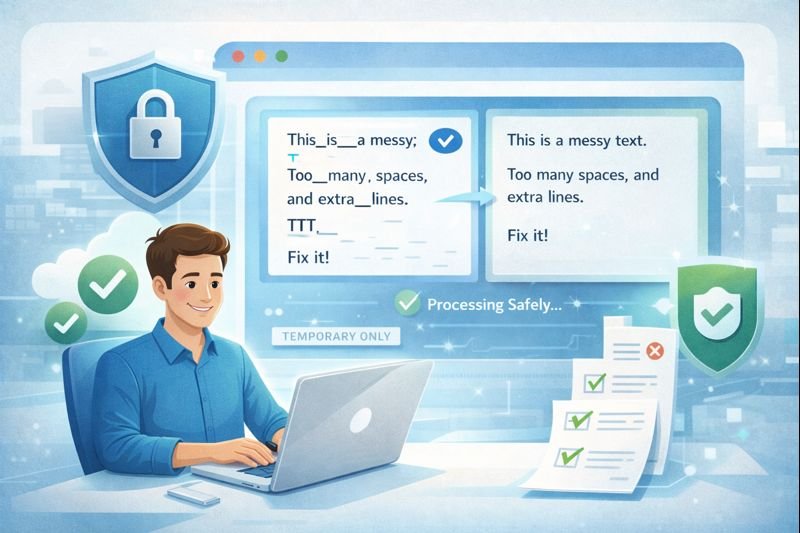
Yes. Reputable Online Whitespace Cleaner tools:
- Do not store your text
- Process data locally or temporarily
- Do not share content
For sensitive data, always use trusted tools.
Common Mistakes to Avoid
- Removing all line breaks unintentionally
- Over-cleaning code indentation
- Ignoring punctuation spacing
- Skipping final review
How to Choose the Best Remove Multiple Spaces Tool
Consider:
- Simplicity
- Speed
- No ads or distractions
- Clear output preview
- Optional advanced controls
Future of Whitespace Cleaning Tools

Modern tools are evolving to include:
- AI-assisted text cleanup
- Integration with writing platforms
- Developer APIs
- Bulk file processing
Whitespace tools will remain essential in content and data workflows.
Conclusion
A Multiple Whitespace Remover provides a fast and reliable way to clean text by removing unnecessary spaces, tabs, and formatting issues. When you remove extra spaces online, your content becomes more readable, consistent, and suitable for professional use across websites, documents, code, and data files.
Using a modern Whitespace Removal Tool helps maintain clean formatting, improves user experience, and supports better SEO by making content easier for search engines and AI systems to process. Tools like Online Whitespace Cleaner, Text Space Cleaner, and Trim Extra Spaces Tool eliminate the need for manual editing and reduce the risk of errors.
As content quality standards continue to rise, clean and well-structured text is essential. A dependable Remove Multiple Spaces Tool ensures your text is optimized, accurate, and ready for publishing in any digital environment.
FAQ
What is a Multiple Whitespace Remover?
A Multiple Whitespace Remover is an online tool that detects and removes unnecessary spaces, tabs, line breaks, and hidden characters, producing clean, readable, and standardized text.
How does a Remove Extra Spaces Online tool work?
Users paste text into the tool, which scans for multiple spaces, tabs, and formatting issues, and instantly returns a cleaned version.
Is using an Online Whitespace Cleaner safe?
Yes. Trusted tools process text temporarily, do not store your data, and are secure for both public and private content.
Can this tool help with SEO?
A: Absolutely. Removing extra spaces improves readability, ensures clean HTML, reduces schema errors, and makes content easier for search engines and AI systems to understand.
What is the difference between a Text Space Cleaner and a Formatter?
A Text Space Cleaner focuses solely on removing unnecessary spaces, while a formatter adjusts alignment, styling, and layout. Whitespace removers prioritize content structure over design.
Who should use a Whitespace Removal Tool?
Writers, content marketers, SEO specialists, web developers, students, researchers, and data analysts can all benefit from using this tool.
What does Trim Extra Spaces do?
Trim Extra Spaces removes leading and trailing spaces at the start and end of text. It is especially useful for form inputs, database fields, and code validation.