

The Small Caps Generator has become one of the most widely used online text modification tools in digital writing, typography, and social media content creation. Whether you’re looking to enhance your headings, emphasize text, or give your bio a unique look, knowing how to convert text to small caps and use a small caps font generator effectively can make your content stand out.
This guide covers everything you need to know: what small caps are, how small caps tools work, the best online generators, use cases, SEO benefits, and beginner-friendly tips.
What is a Small Caps Generator?
A Small Caps Generator is an online tool that takes standard text (lowercase and uppercase) and converts it into small capital letters — a typographic style where letters resemble uppercase forms but are designed to be the size of lowercase letters.
These tools use Unicode character mapping instead of traditional fonts, which means the converted text can be copy-pasted across platforms like social media, messaging apps, and documents, without special font installation.
Small Caps vs Normal Case — Why Does It Matter?
Understanding how small caps differs from traditional case styles is crucial for typographic clarity:
| Text Style | Description | Use Cases |
| Lowercase | Standard text with no capitalization | Most body text |
| UPPERCASE | Full capital letters | Titles, emphasis (can look like shouting) |
| Small Caps | Letters with the shape of capitals but the height of lowercase | Typography, emphasis without loudness |
| All Caps (Uppercase) | Traditional uppercase letters for all words | Headlines (can be less readable) |
Small caps strike a balance between visual emphasis and readability, particularly in printed and digital typography.
How Small Caps Generators Work
Most online generators simply translate each character in your input text into its Unicode small cap equivalent. These are not actual font changes, but rather replacements with special small capital Unicode characters.
For example:
- a becomes ᴀ
- b becomes ʙ
- c becomes ᴄ
…and so on. The generator displays the transformed output, ready to be copied and pasted.
Top Use Cases for Small Caps Text
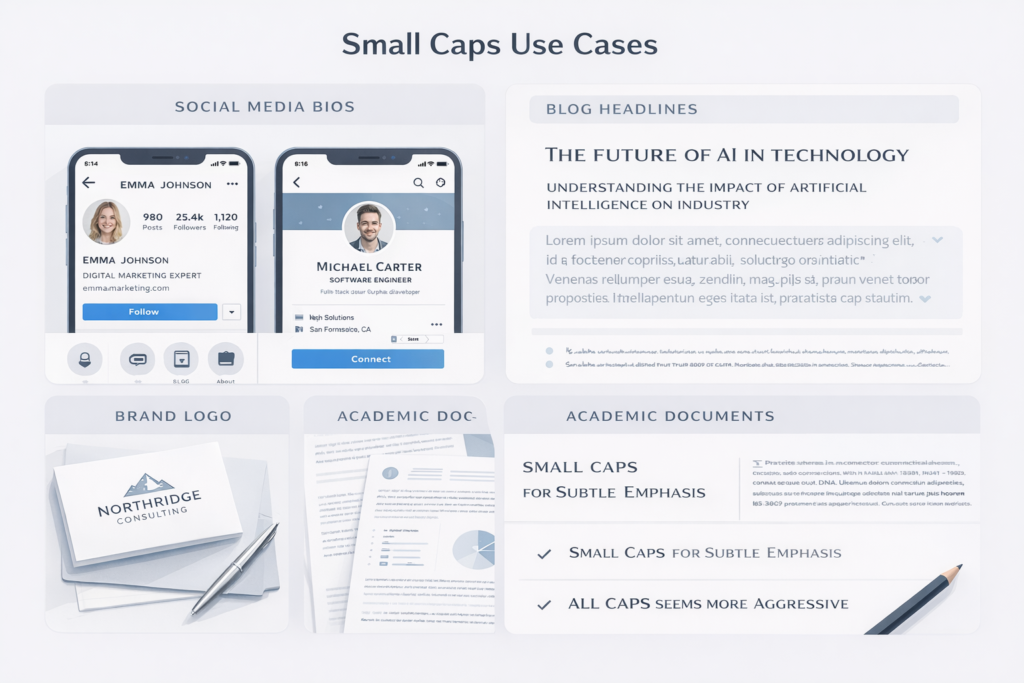
1. Social Media Profiles
Small caps are frequently used in Instagram, Twitter (X), Facebook, TikTok, and LinkedIn bios to create a more visually distinctive presence.
2. Headings and Subheadings
In content marketing and SEO, small caps generator add a subtle emphasis to headers without appearing too bold or aggressive.
3. Branding and Logos
Small caps can be used in creative designs, logo typography, and visual branding for a unique look.
4. Academic Writing and Publishing
Small caps often denote acronyms, initials, or specialized terms in research and publications.
5. Emphasis Without Shouting
Unlike all uppercase (which is often interpreted as shouting online), small caps visually emphasize text without compromising readability.
How to Use a Small Caps Text Generator (Step-by-Step)
Below is a generic workflow shared by most top generators such as Prepostseo and SEO Magnifier:
- Open the Small Caps Generator Tool
— Visit a platform with a small caps text converter. - Enter Your Text
— Type or paste your text into the input box. - Convert Text
— Click “Convert,” “Generate,” or similar button. - Review Output
— See text transformed into small caps. - Copy & Paste
— Copy the generated text and paste it into your desired platform (bio, social post, document).
Small Caps Generator Features Compared (Competitor Insight)
Here’s a feature-based comparison of major small caps tools your competitors offer:
1. Prepostseo Small Text Generator
- Multiple outputs including superscript, subscript, and small caps.
- Simple copy-paste workflow.
2. Namecheap Small Caps Font Generator
- Focused on small caps and Unicode conversion with simple live preview UI.
- Offers quick stylized small caps.
3. OmniCalculator Small Caps Tool
- Easy conversion with focus on clarity.
- Best for simple text input.
4. SEO Magnifier Small Caps Generator
- Free online tool with real-time converter aimed specifically at social media use.
Benefits of Using Small Caps Text Generators
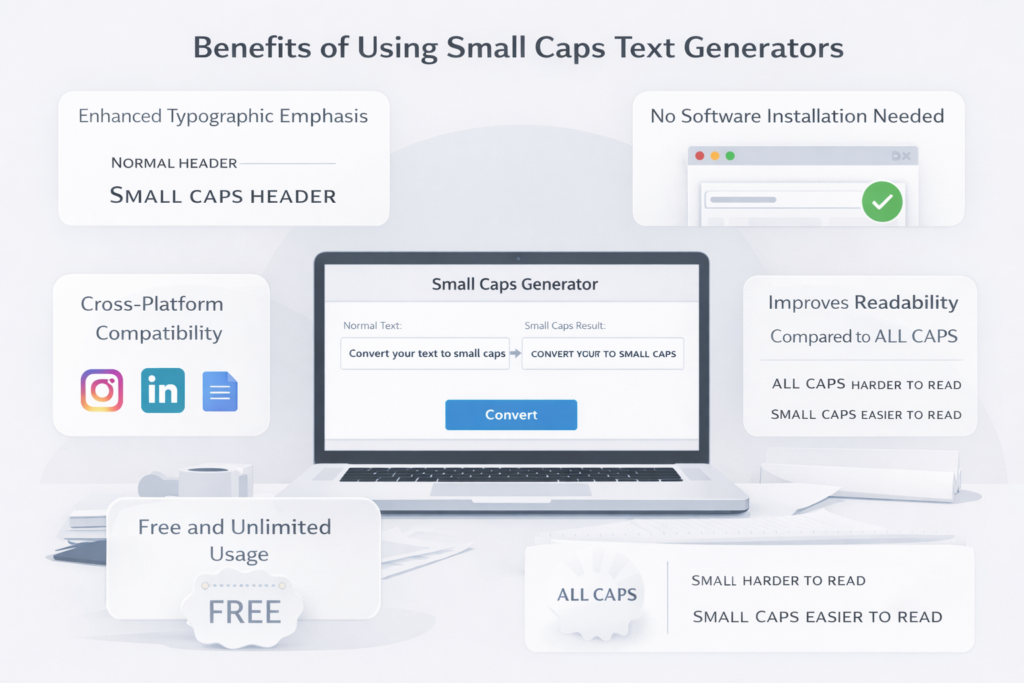
Enhanced Typographic Emphasis
Small caps provide emphasis without a bulky or shout-like look, which is ideal for headers and stylistic highlights.
No Software Installation Needed
Most small caps converters work entirely in your browser.
Cross-Platform Compatibility
Since the output uses Unicode characters, it usually works in social bios, documents, chats, and more.
Free and Unlimited Usage
Many small caps generator tools are completely free to use.
Improves Readability Compared to ALL CAPS
Typography experts often prefer small caps for long-form content because it blends well with body text.
Best Practices for Small Caps Typography
Use Small Caps Sparingly
Too much small caps text in a paragraph can reduce readability — use mainly for titles, headers, or key phrases.
Mix Text Styles
Effective typography often combines small caps with normal text to create hierarchy and visual contrast.
Test on Multiple Platforms
Some older systems may not support certain Unicode small caps characters, so always test after conversion.
SEO and Content Marketing Benefits of Small Caps Use
When used strategically within content:
- Small caps headings can help create visually distinctive section titles that improve scan-ability.
- Rich typography can increase time on page and engagement.
- Search engines don’t index small caps as special characters — but user click engagement and readability can boost indirect SEO metrics.
Technical Explanation: How Unicode Makes Small Caps Possible
Unicode is a universal character set that assigns a unique code point to every letter, number, and symbol. Instead of relying on font files, Unicode defines how each character should look and behave across platforms.
For example:
- Regular “A” has the Unicode code U+0041
- Small cap “ᴀ” has the Unicode code U+1D00
When you use a Small Caps SVG Converter Online, it maps each letter to its small-cap equivalent if available. If not, it simply uses the original letter (especially for lowercase).
This allows your text to appear in small capital form across browsers, social media apps, and operating systems — no font installation needed.
Best Free Small Caps Generator Tools (2026 Edition)
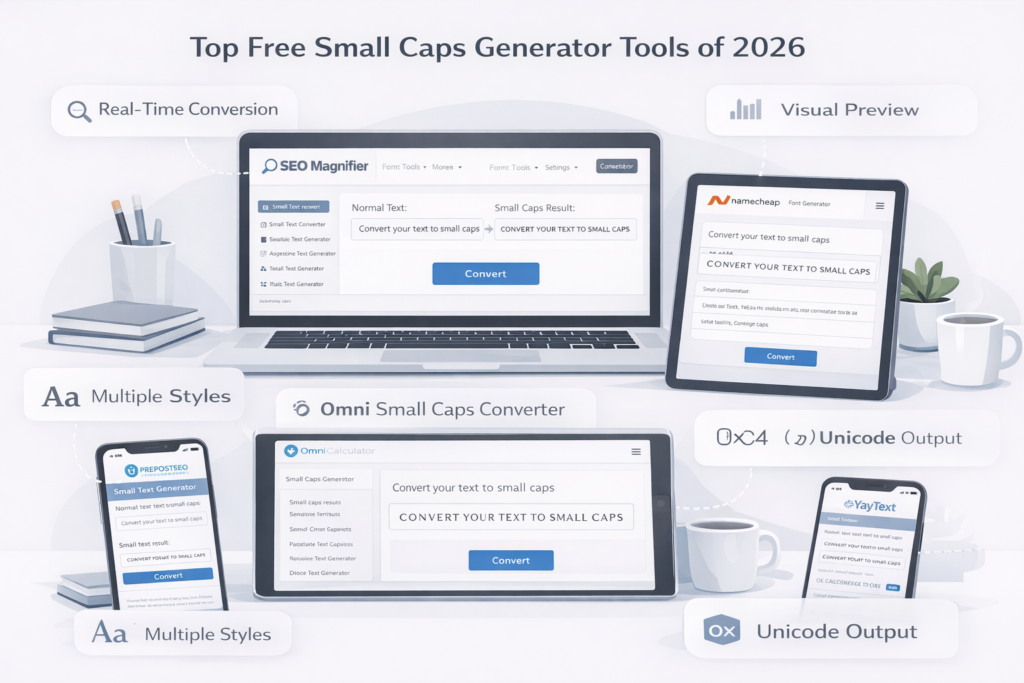
Here’s an updated, research-based list of top-performing small caps text generators with a short evaluation of each:
1. SEO Magnifier – Small Caps Generator
- Focused on real-time text conversion for social media.
- Instant preview of output.
- No registration required.
- Best for: Fast conversions and bios.
2. Namecheap Font Generator
- Simple visual interface with font preview.
- Supports multiple text styles including small caps.
- Best for: Logo and typography design.
3. Prepostseo Small Text Generator
- Converts text into multiple styles: superscript, subscript, small caps, etc.
- SEO-friendly and tool-oriented.
- Best for: Bloggers and marketers who use style variation in content.
4. OmniCalculator Small Caps
- Minimalist interface focused on clarity.
- Ideal for educational purposes or occasional conversion.
5. YayText Small Caps Generator
- Advanced Unicode converter with style previews.
- Offers multiple stylistic variants.
- Best for: Designers needing precise text aesthetics.
Practical Examples of Small Caps in Design and Marketing
Example 1 — Brand Identity
A luxury brand like “Cartier” or “Tiffany & Co.” often uses small caps in printed materials to convey sophistication. Using online tools, even small creators can replicate this aesthetic in digital spaces.
Example 2 — Blog Headings
Bloggers use small caps for introductory lines or pull quotes to maintain hierarchy and elegance.
Example 3 — Resume Design
Job seekers and designers often use small caps for job titles or section headers to make resumes cleaner and more professional.
Example 4 — Website Navigation
UI designers prefer small caps for menu items like Home, About, Contact — giving a modern, minimalist look.
Small Caps Typography in Professional Design
Typography experts consider small caps an essential stylistic element for:
- Acronyms: e.g., NASA, UNESCO, PDF To HTML
- Initialisms in body text
- Book titles, journals, and print layouts
- Editorial design (magazines, newspapers)
- Fine print and disclaimers
When used correctly, small caps provide visual rhythm and polish to a layout.
CPC Insight: Why Small Caps Keywords Have Good Advertising Value
Keywords like “Small Caps Generator”, “Small Caps Font Generator”, and “Small Caps Converter Online” have a moderate CPC because they attract:
- Content creators
- Web designers
- Marketers
- Students and typographers
The audience often overlaps with users searching for text stylizes, Unicode uppercase converters, and font tools, which are magnetizable niches for ad-based and affiliate websites.
Small Caps Generator vs. Font Designer Tools
| Feature | Small Caps Generator | Font Designer Tool |
| Purpose | Converts existing text into small caps | Creates or edits full font files |
| Accessibility | 100% web-based | Requires software installation |
| Skill Level | Beginner-friendly | Advanced typography knowledge |
| Output Type | Unicode characters | Custom font files (OTF/TTF) |
| Cost | Usually free | Often paid software |
Conclusion: A Small Caps Generator is best for quick conversions, while font design tools are for professionals creating entire typefaces.
Common Mistakes to Avoid When Using Small Caps
- Overusing small caps – makes text monotonous.
- Using in all paragraphs rewrite – reduces legibility.
- Inconsistent styling – mixing with multiple font types.
- Accessibility oversight – screen readers may struggle.
- Copying from unsupported browsers – can lead to blank boxes or question marks.
Tips for Using Small Caps in Branding
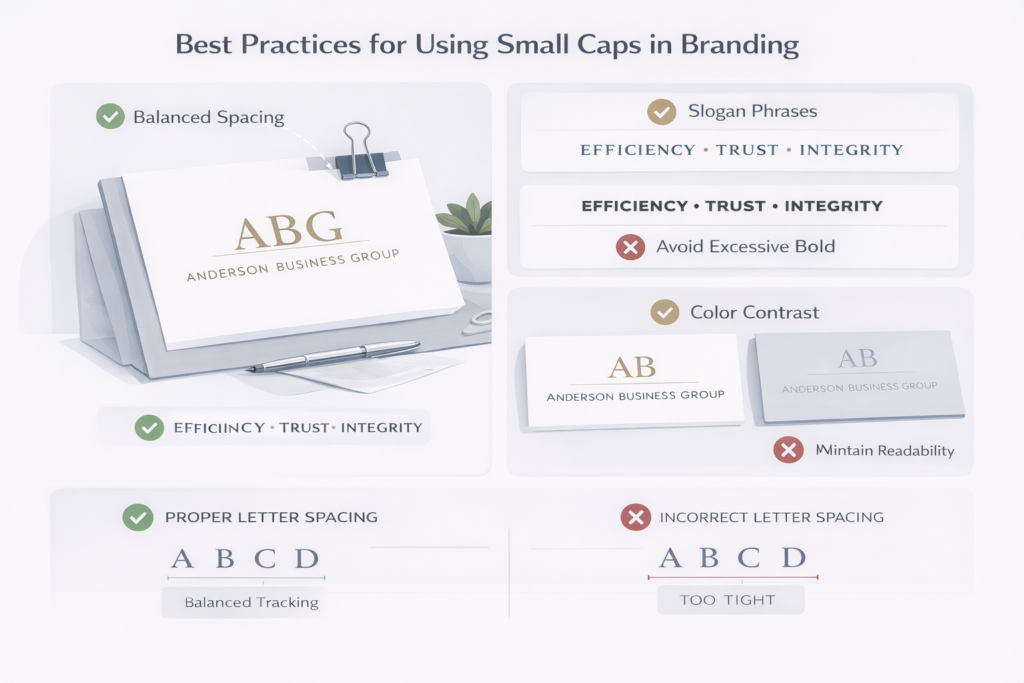
- Combine word small caps with letter spacing (tracking) for luxury aesthetics.
- Avoid combining bold and small caps excessively — it looks crowded.
- Use small caps for brand initials or slogan phrases.
- Maintain color contrast to preserve readability.
Why Designers Love Small Caps
Professional designers appreciate small caps for their balance between formality and readability. They convey:
- Tradition (seen in print media)
- Authority (used in academic publishing)
- Minimalism (fits modern design systems)
For instance, brands like VOGUE, HARPER’S BAZAAR, and TIME have used variations of small caps in their mastheads.
Conclusion
The Small Caps Generator is more than a simple text converter — it’s a modern typography enhancement tool that brings visual sophistication to your writing. Whether you’re designing social media bios, crafting marketing copy, or formatting professional documents, small capital letters help your text stand out with subtle elegance.
By using a Free Small Caps Generator Online, you can instantly convert text to small capital letters, maintain readability, and boost the aesthetic appeal of your digital content. With features that are fast, reliable, and SEO-friendly, this tool is perfect for creators, designers, and professionals who want their text to look clean, distinctive, and stylish.
(FAQs)
What is a Small Caps Generator?
A Small Caps Generator is an online tool that converts normal text into small capital letters using Unicode characters. It gives your text a neat, professional, and stylistic look without needing to install special fonts.
How does a Small Caps Text Generator work?
It replaces standard lowercase letters with their Unicode small-cap equivalents. For example, “a” becomes “ᴀ,” “b” becomes “ʙ,” and so on. You can copy and paste the converted text anywhere — social media bios, websites, or documents.
Is the Small Caps Converter free to use?
Yes. Most Small Caps Converters Online — including this one — are completely free, with no signup or software installation required. You can generate unlimited small capital letters instantly.
Can I use small caps text on social media platforms?
Absolutely. You can paste small caps text on Instagram, Facebook, X (Twitter), TikTok, or LinkedIn. It works perfectly for bios, usernames, captions, and posts, adding a creative, standout appearance.
Is small caps text SEO-friendly?
Yes — Unicode small caps are fully SEO-friendly. Search engines read them as regular characters, so using them won’t harm your rankings. However, it’s best to use small caps mainly for headings, highlights, or stylistic emphasis, not for entire paragraphs.
What are the uses of Small Caps Typography?
Small Caps Typography is commonly used in:
- Branding and logo design
- Social media bios and titles
- Academic writing and publishing
- Web design headers
- Marketing and product labels
It adds elegance, readability, and subtle emphasis without appearing loud like full uppercase text.
What’s the difference between Small Caps and All Caps?
All Caps uses full-sized uppercase letters for all words, while Small Caps displays uppercase-shaped letters at lowercase height. Small caps provide emphasis that feels refined and professional, unlike the “shouting” tone of all caps.