

In today’s fast-paced digital world, converting written content into natural-sounding audio has never been easier. Text to Speech Free tools leverage advanced AI voice generator online technology to instantly transform your text into realistic speech. Whether you are a student, content creator, marketer, or business owner, these tools save time, improve accessibility, and enhance productivity.
Modern AI-powered speech technology, developed by leaders like Google, Microsoft, and OpenAI, produces voices that are almost indistinguishable from humans. From creating voiceovers and audiobooks to improving learning experiences and assisting visually impaired users, free text-to-speech solutions are now essential digital tools.
In this guide, you’ll learn how free text-to-speech tools work, their benefits, key features, practical use cases, and how to select the best platform for your needs in 2026.
What Is Text to Speech?

Text to Speech (TTS) is a technology that converts written text into spoken audio using artificial intelligence and natural language processing. Instead of reading content manually, you can paste or type your speech to text into a tool that generates realistic voice narration.
Applications of Text to Speech
Modern AI voices are widely used across industries:
- YouTube videos: AI voiceovers for educational or informational content.
- Podcasts: Beginners can create podcasts without recording equipment.
- Audiobooks: Authors can convert books into narrated audio.
- E-learning courses: Enhance learning with narrated lessons.
- Accessibility tools: Assist visually impaired users.
- Marketing content: Voiceovers for advertisements or tutorials.
- Social media videos: Narration for reels, shorts, and promos.
Many platforms now offer text to speech free online, making it accessible to individuals and small businesses without paying for costly software.
How AI Voice Technology Works
Early Speech Systems
Early TTS systems sounded robotic, relying on rule-based programming and limited phonetic models. Pronunciations often lacked natural flow, making them unsuitable for professional use.
Concatenative Speech
Later systems improved audio by combining recorded voice fragments. While the output was better, it still lacked emotional tone and realistic rhythm.
Neural AI Voices
Modern TTS uses deep neural networks trained on vast datasets of human speech. These AI models learn:
- Rhythm and natural pacing
- Pronunciation for different words and accents
- Emotional tone for more expressive speech
- Contextual speech patterns for natural flow
This evolution allows AI voices to sound highly realistic and suitable for professional use.
How Text to Speech Works
The process might seem simple, but it involves several sophisticated steps:
- Text Processing: The tool analyzes punctuation, abbreviations, and sentence check structure.
- Linguistic Analysis: Determines pronunciation, emphasis, and pauses.
- Phonetic Conversion: Converts text into phonemes, the building blocks of speech.
- Voice Generation: AI models create audio waveforms that mimic human speech.
- Audio Output: The final file is exported in formats like MP3 or WAV.
Thanks to modern machine learning models, this entire process happens in seconds.
Benefits of Using Free Text to Speech Tools
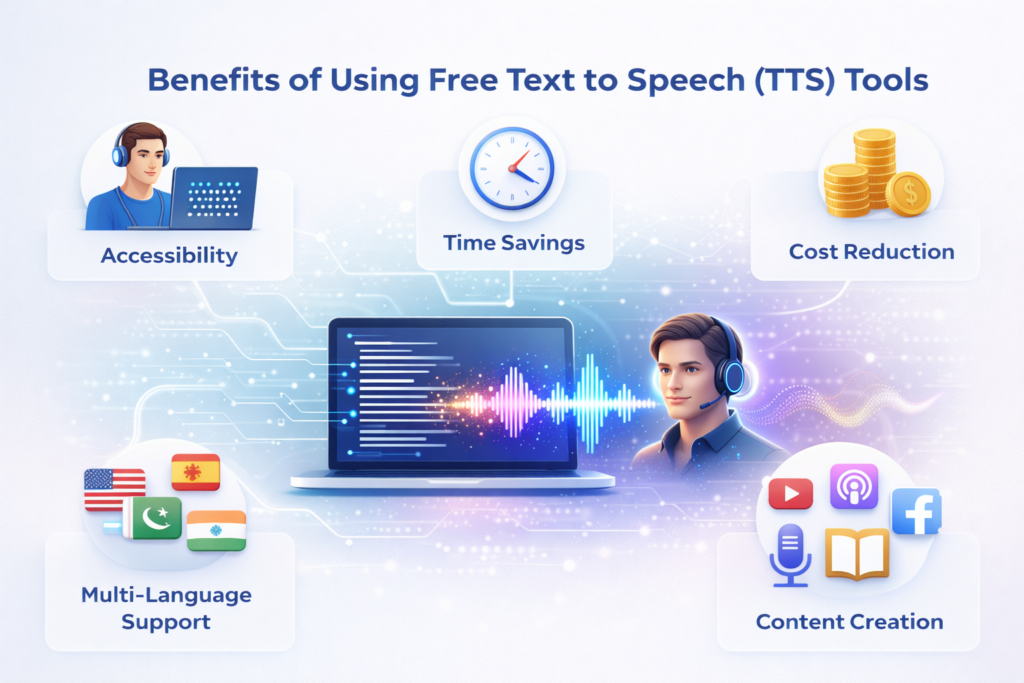
1. Accessibility
Millions of people with visual impairments or reading difficulties rely on TTS to consume content online.
2. Time Savings
Recording voiceovers manually can take hours. AI-generated voices produce audio instantly.
3. Cost Reduction
Hiring professional voice actors can be expensive. Free tools eliminate that cost.
4. Multi-Language Support
Many TTS platforms support dozens of languages and accents, including English, Spanish, Urdu, and Hindi.
5. Content Creation
Creators use AI voices for YouTube, podcasts, audiobooks, e-learning, and social media content.
Best Free Text-to-Speech Tools in 2026
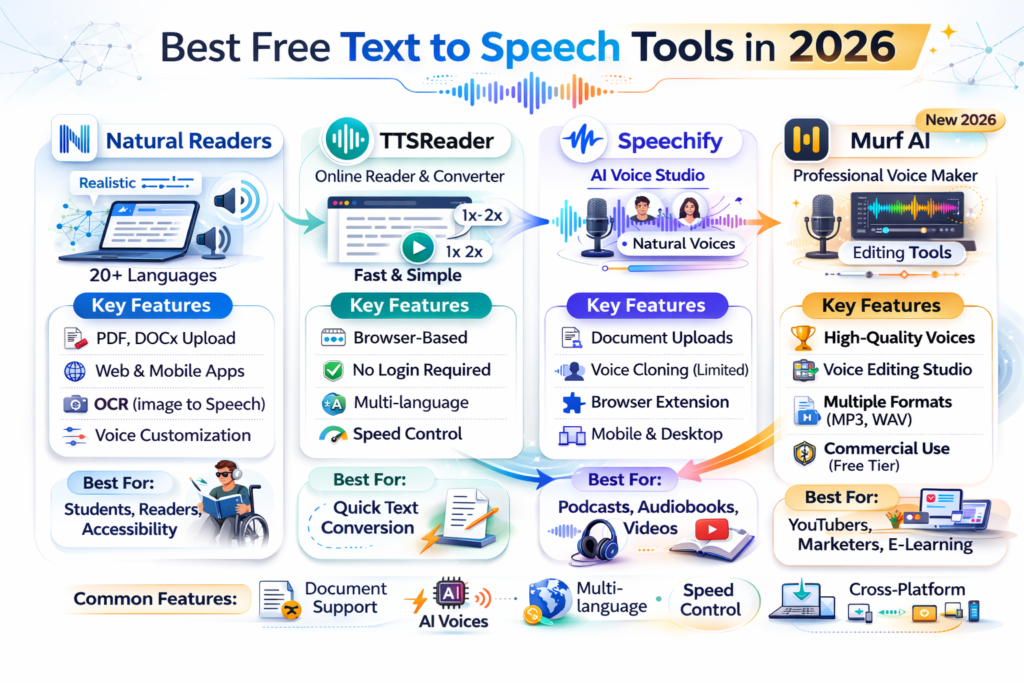
1. Natural Readers
Features:
- Realistic AI voices
- Multiple voice options
- Document uploads
- Browser extensions
Use Case: Popular among students and professionals for reading PDFs, articles, and study materials.
2. TTSReader
Features:
- Fast and simple interface
- No signup required
- Browser-compatible
Use Case: Ideal for listening to long articles or documents quickly.
3. Speechify
Features:
- Mobile apps for iOS and Android
- High-quality narration
- Convert books, PDFs, and web pages
- Speed converter and cloud syncing
Use Case: Used by content creators and learners for audiobook-style listening.
4. Murf AI
Features:
- Studio-quality AI voices
- Voice editing and customization
- Video narration features
Use Case: Preferred by businesses for professional voiceovers, training videos, and marketing content.
Text to Speech for Content Creators
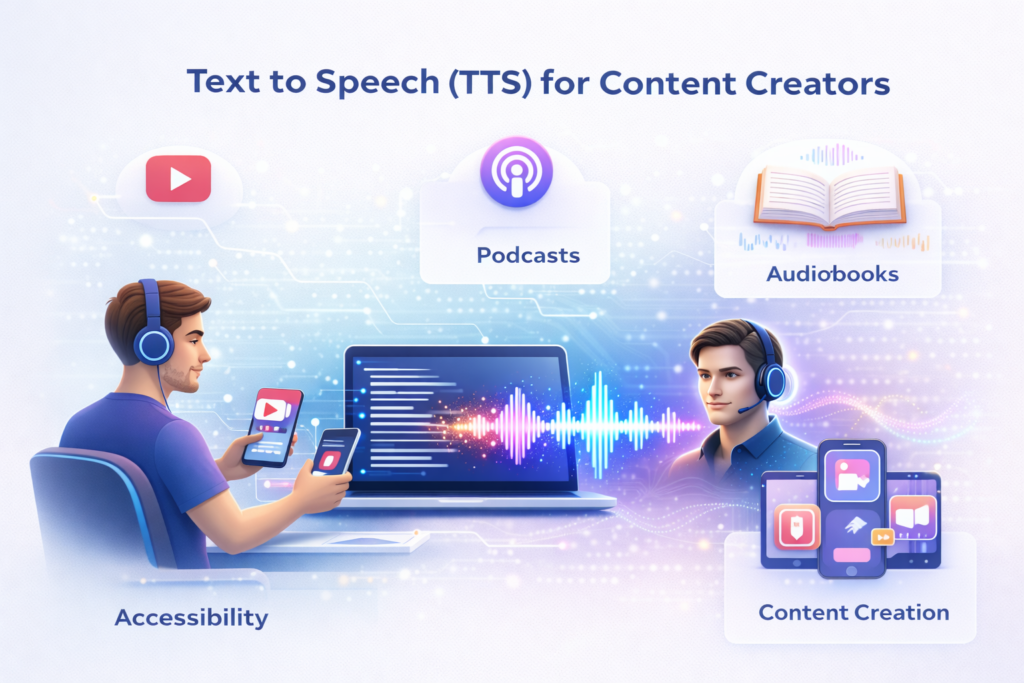
YouTube Videos
AI voices help creators produce educational or informational videos efficiently.
Podcasts
Beginners can start podcasts without expensive recording equipment.
Audiobooks
Authors can convert books into narrated audio, reaching wider audiences.
Social Media
Creators can generate voiceovers for short videos, reels, and promotional content.
Text to Speech for Businesses
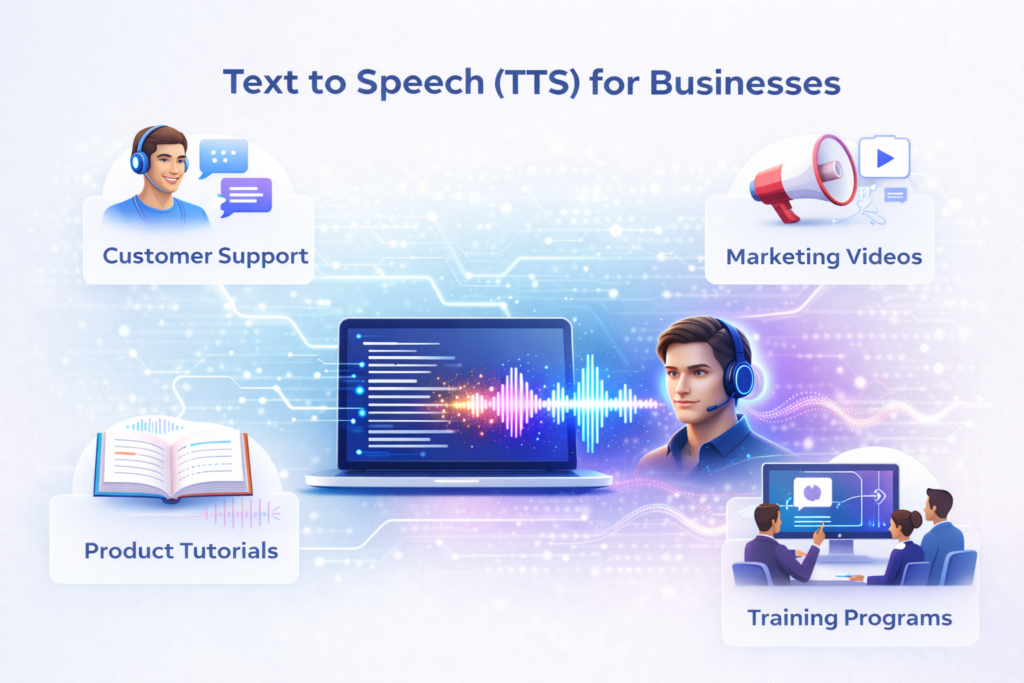
Customer Support
Automated AI voice assistants answer questions quickly, saving time converter and resources.
Marketing Videos
Companies use AI narration to create professional promotional content.
Product Tutorials
Voice guides help explain complex products or services.
Training Programs
Organizations use narrated training materials for employee onboarding and development.
Text to Speech for Students
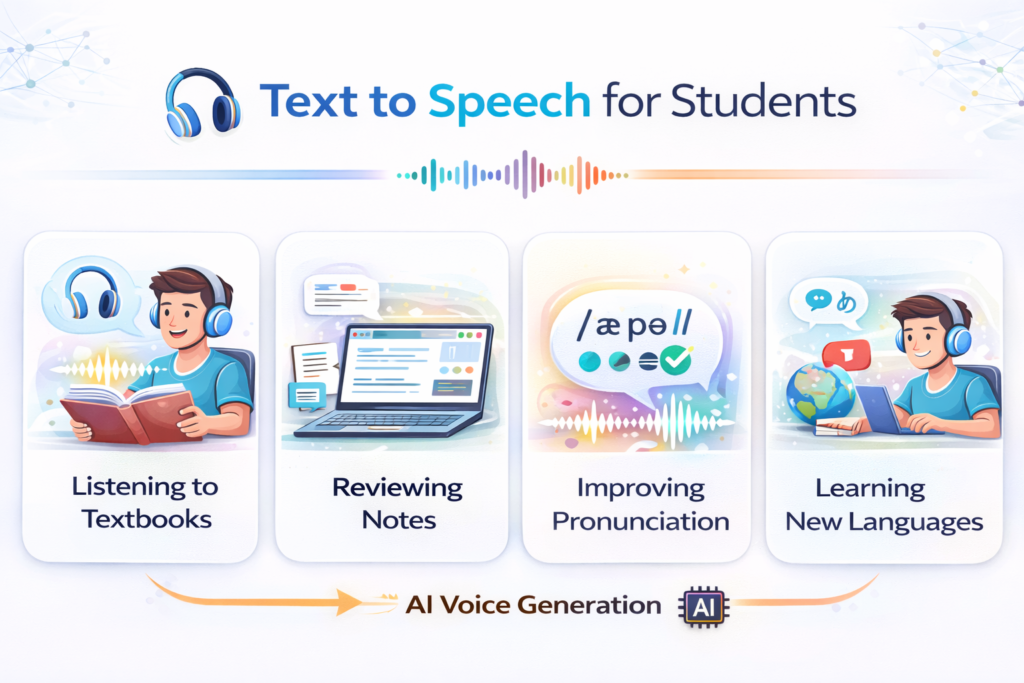
- Listening to textbooks or lecture notes
- Reviewing study material on the go
- Improving pronunciation and language learning
- Retaining information more effectively through audio learning
Accessibility and Inclusive Technology
AI-powered TTS plays a vital role in digital inclusion. Screen readers and voice assistants help visually impaired users navigate websites and access content efficiently. Many governments and organizations encourage accessible design, making TTS essential for compliance.
SEO Benefits of Text to Speech Content
- Increased Engagement: Audio content keeps visitors on your site longer.
- Lower Bounce Rate: Users spend more time zone converter listening than skimming.
- Multi-Format Content: Turn articles into podcasts, videos, or audio blogs.
- Accessibility Signals: Search engines prioritize websites that are accessible to all users.
How to Choose the Best Free TTS Tool
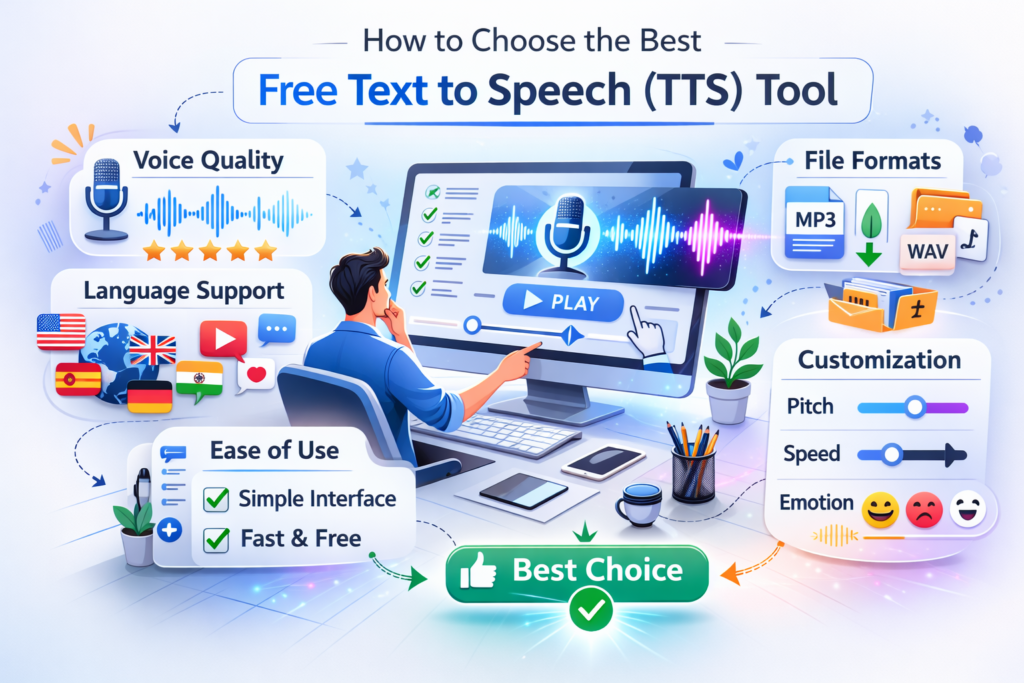
Voice Quality
Choose tools with natural-sounding voices to maintain professionalism.
Language Support
Ensure the platform supports the languages and accents your audience requires.
File Download Options
Check whether you can download files as MP3 or WAV for offline use.
Ease of Use
A simple, intuitive interface saves time and effort.
Customization
Some tools allow adjustments to pitch, page speed, and emotional tone for more expressive narration.
Free vs Paid Text-to-Speech Tools
| Feature | Free Tools | Paid Tools |
| Voices | Limited | Many options |
| Audio Quality | Good | Studio-quality |
| Commercial Rights | Sometimes | Usually included |
| Customization | Basic | Advanced |
| Voice Cloning | Rare | Available |
For beginners, free TTS tools are usually sufficient for most needs.
Step-by-Step Guide: How to Convert Text to Speech
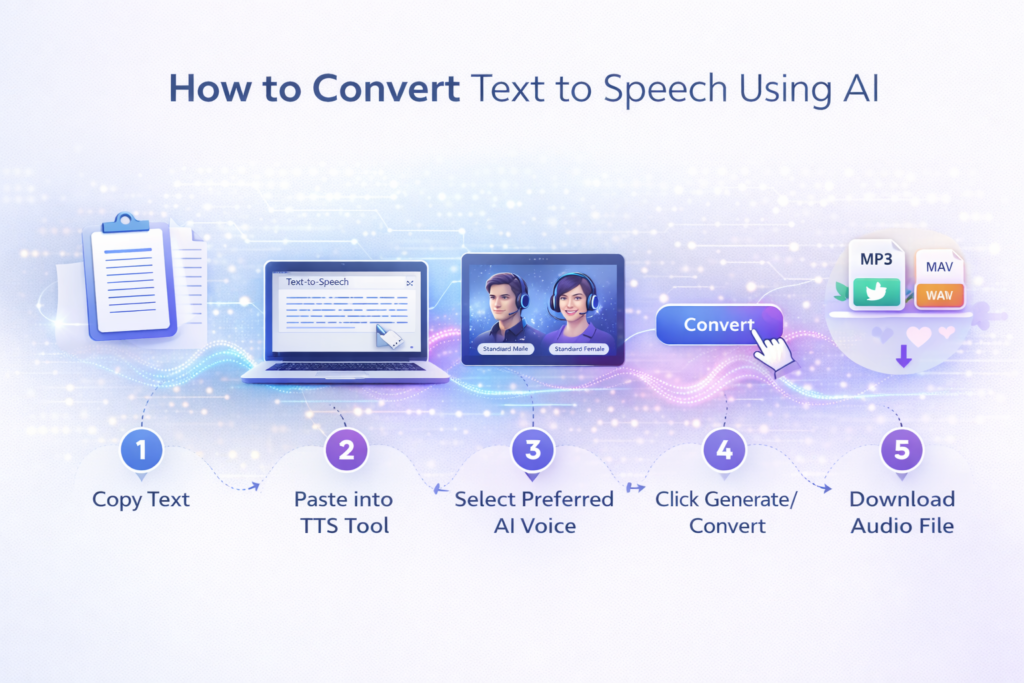
- Copy your text.
- Paste it into a TTS tool.
- Select your preferred AI voice.
- Click Generate/Convert.
- Download the audio file.
The process typically takes less than a minute.
Best Practices for Natural AI Voice Output
- Write Conversationally: AI voices sound better with natural language.
- Use Punctuation: Commas and periods control pauses.
- Break Long Sentences: Improves clarity and realism.
- Test Multiple Voices: Different content may suit different voices.
- Adjust Speed: Slight changes can enhance naturalness.
Common Mistakes to Avoid
- Overly complex sentences rephrase
- Missing punctuation
- Robotic or unnatural voices
- Extremely fast speech settings
- Ignoring preview before download
Always review audio output for the best results.
Security and Privacy Considerations
Before uploading text, review platform policies:
- Data Storage Practices: Ensure your content is secure.
- Copyright Rules: Avoid violations when using third-party content.
- Commercial Usage Rights: Check whether generated audio can be used for monetization.
Trusted platforms provide clear privacy policies and secure usage.
Future of Text-to-Speech Technology
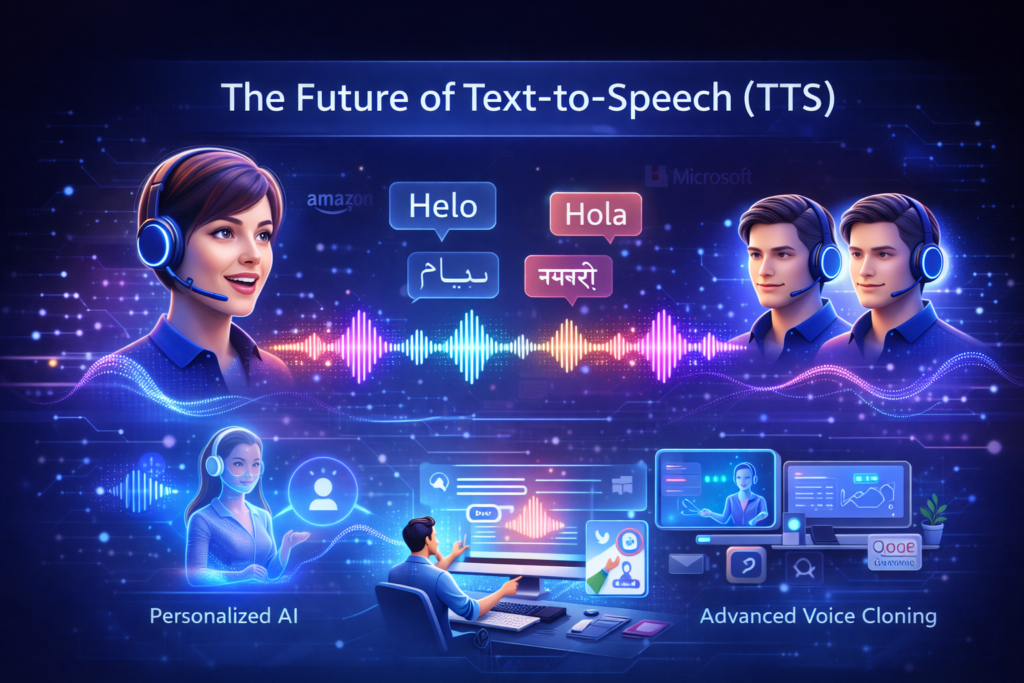
AI speech technology is evolving rapidly:
- Emotional AI voices for expressive narration
- Real-time voice translation across languages
- Personalized AI voice assistants
- Advanced voice cloning
Companies like Amazon, Google, and Microsoft continue investing heavily in AI voice technology. In the near future, AI-generated voices may become indistinguishable from human speech.
Conclusion
Free text-to-speech tools have revolutionized digital content creation and accessibility. With AI voice technology from Google, Microsoft, IBM, and OpenAI, converting written text into natural-sounding speech is fast, easy, and cost-effective.
Whether you are a student, content creator, or business, free TTS platforms enhance productivity, support accessibility, and increase engagement across websites, e-learning platforms, mobile apps, and social media.
As AI voices evolve, expect better quality, multilingual support, and advanced customization options. Choosing the right TTS tool strategically will improve your content experience and help reach a wider audience in 2026.
(FAQs)
What is Text to Speech Free?
Text to Speech Free is an online tool that converts written text into natural-sounding audio using AI. It allows users to listen to articles, documents, or notes instead of reading them.
Is a free text-to-speech tool accurate?
Yes. Modern AI TTS tools use advanced speech synthesis technology to produce clear and natural voices with correct pronunciation.
Who can use a text-to-speech converter?
Students, content creators, bloggers, marketers, and people with reading difficulties can use TTS tools to save time and improve accessibility.
Can I download audio from a free text-to-speech tool?
Many free TTS platforms allow users to download audio as MP3 or WAV files. Some advanced features may require a premium subscription.
Is text-to-speech useful for SEO and content creation?
Yes. AI voice tools help create voiceovers for videos, podcasts, tutorials, and social media content quickly, improving engagement and accessibility.
Do free text-to-speech tools support multiple languages?
Most modern tools support dozens of languages and accents, including English, Spanish, Urdu, Hindi, and more.
Is text-to-speech safe to use online?
Reliable TTS platforms follow privacy and security standards, ensuring user data is protected and usage is safe.